Update: toui is now in Claude's connector directory
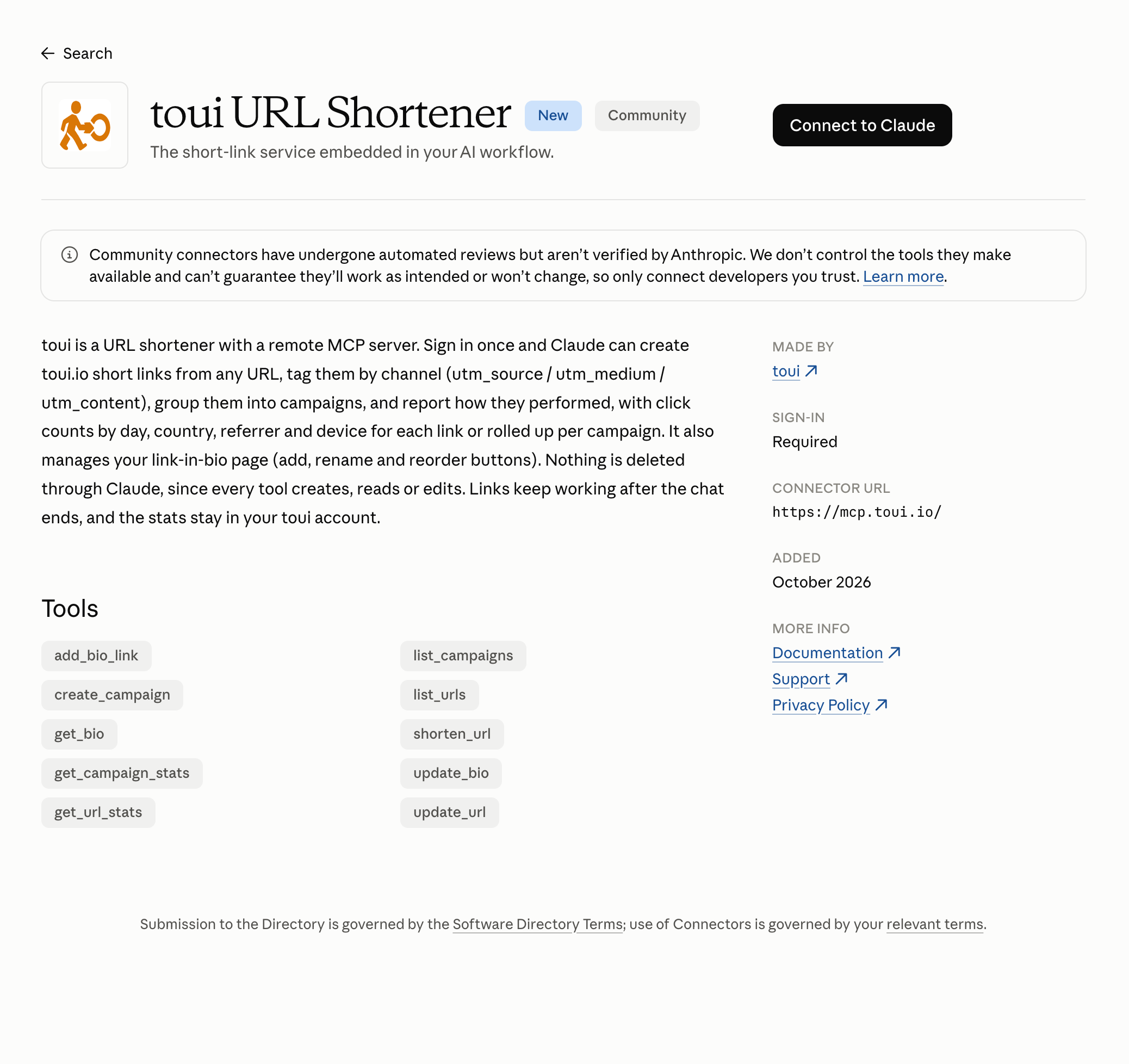
toui now has its own listing in Claude’s connector directory, under the name toui URL Shortener.
Connecting no longer starts with pasting a URL. In Claude, open Settings → Connectors, choose Discover and search for toui, then click Connect to Claude and sign in with your toui account. You can also open the toui listing directly.
If you already added toui by its URL, https://mcp.toui.io, nothing changes and that connector keeps working.
Step-by-step setup, what Claude can do with your links, and what to check when something doesn’t work are in the Claude setup guide.